Photo to Line Art Converter
Use this photo to line art converter to turn any picture into clean black-and-white line art in the style you pick.
Convert a Photo to Line Art in 3 Steps
Line Art Styles: Outline, Sketch and High Contrast
Outline gives you closed, even lines with no shading — the simplest style and the easiest to reuse.
Sketch keeps a hand-drawn feel with lighter strokes, good for illustrations and mood boards. High contrast keeps solid black areas for a bold, graphic look.
What Line Art Is Good For: Print, Design, Tattoo, Coloring
Line art is a flexible starting point. Designers use it for posters, stickers and merchandise; tattoo artists use it as a stencil reference; crafters use it for cutting and engraving.
Unlike a coloring page, which is simplified for kids to fill in, line art keeps more of the photo’s detail and edge character.
Free Sample Line Art
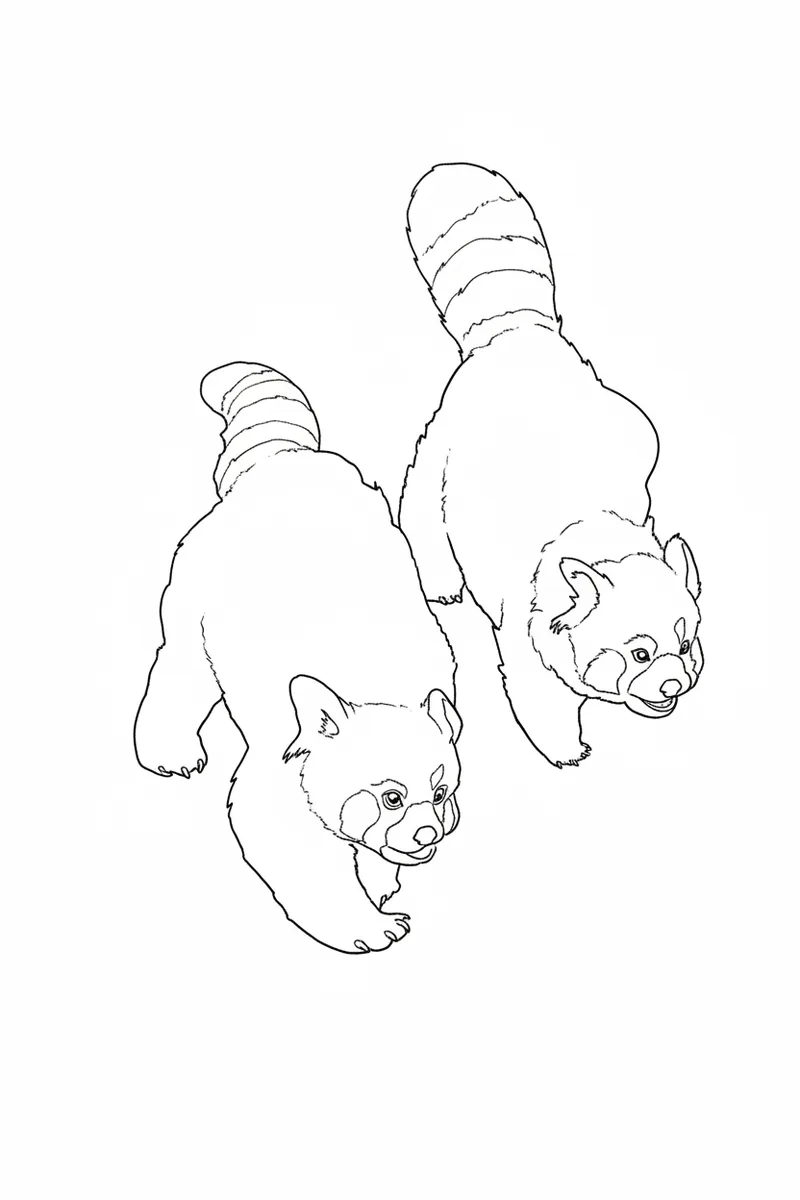
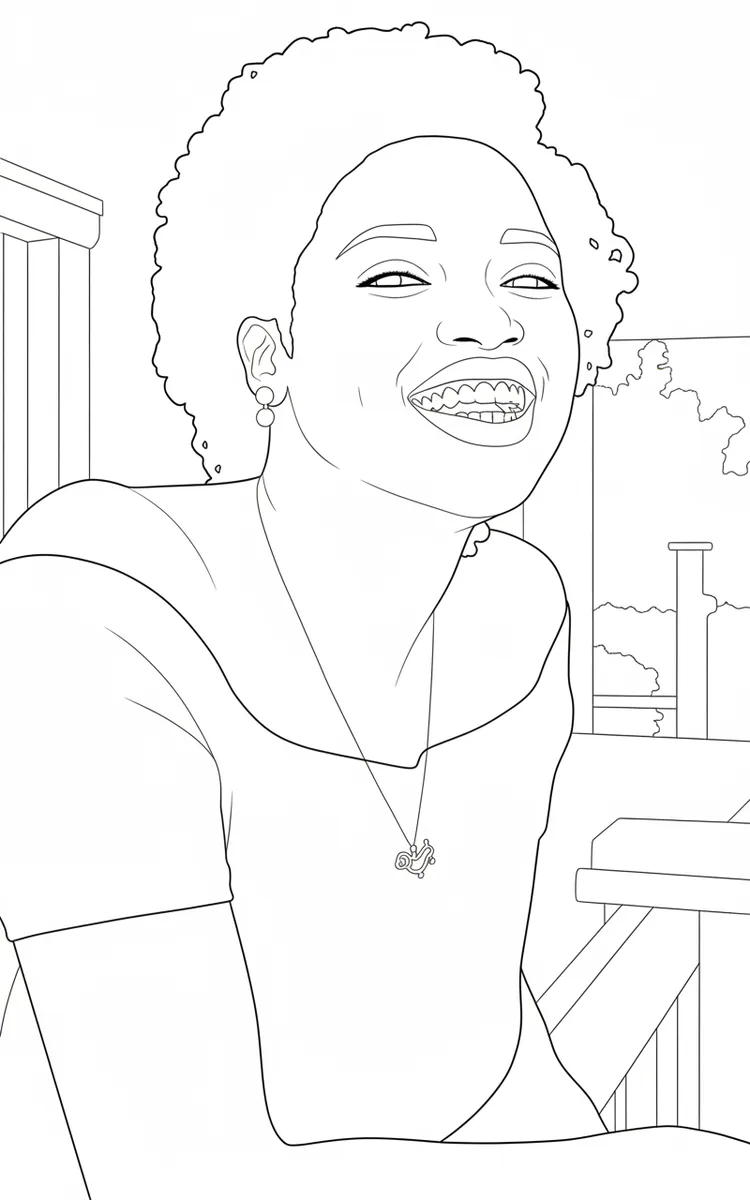
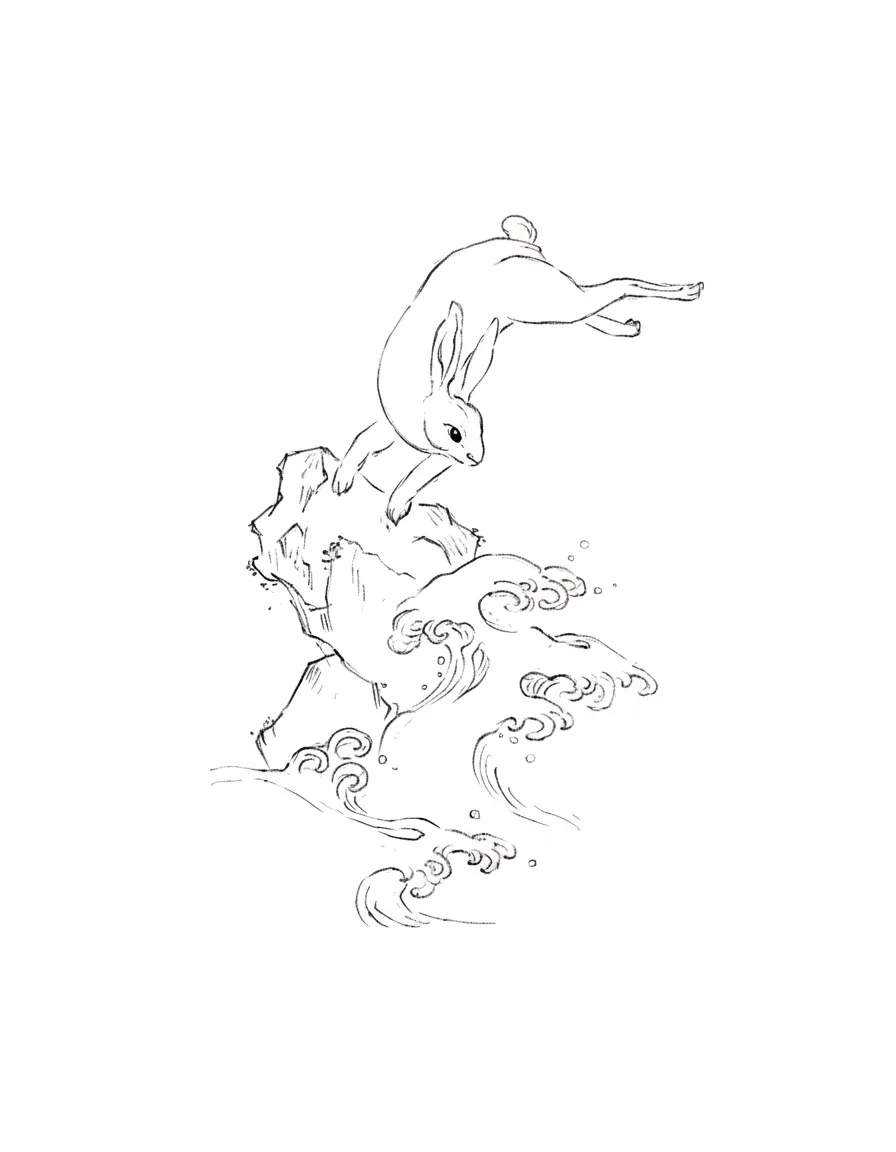
Photo to Line Art vs Photo to Coloring Page
Both tools start from a photo, but the output is made for different jobs. Line art keeps detail and offers three styles for design work; a coloring page simplifies the picture into large, closed shapes that are easy to fill in and print on Letter paper.
Want something for kids to color instead? Use the turn photo into coloring page tool.
Frequently Asked Questions
Yes. It works as a line art generator for your own photos: upload a picture and it draws the lines for you in the style you choose.
Yes. Pick the Sketch style to turn a photo into a sketch with lighter, pencil-like strokes. Photo to sketch works best with portraits of pets, objects and places.
You can upload JPG, PNG or WEBP files up to 12 MB. iPhone photos are converted automatically when you pick them.
You can use line art made from photos you own or have rights to. Make sure you have permission for the original photo before selling anything based on it.