Photo to Coloring Book
Upload several photos and this photo to coloring book converter turns them into one multi-page PDF you can print.
Turn Your Photos into a Coloring Book in 3 Steps
What Makes a Good Coloring Book: 8 to 12 Pages
Eight to twelve pages is the sweet spot: enough for a rainy afternoon, short enough to finish. Mix close-ups and wider shots so the pages vary in difficulty.
A theme makes the book feel special — a family trip, a birthday, a year with the new puppy. Put the most exciting photo first; it becomes the cover page.
Print at Home on Letter-Size Paper
The PDF is laid out on US Letter paper (8.5 × 11 in), one picture per page with margins for binding. Print double-sided or single-sided, then staple or clip the pages together.
Free pages print fine on Letter paper, just a little softer. The HD version is made for 300 DPI Letter prints and comes out sharper.
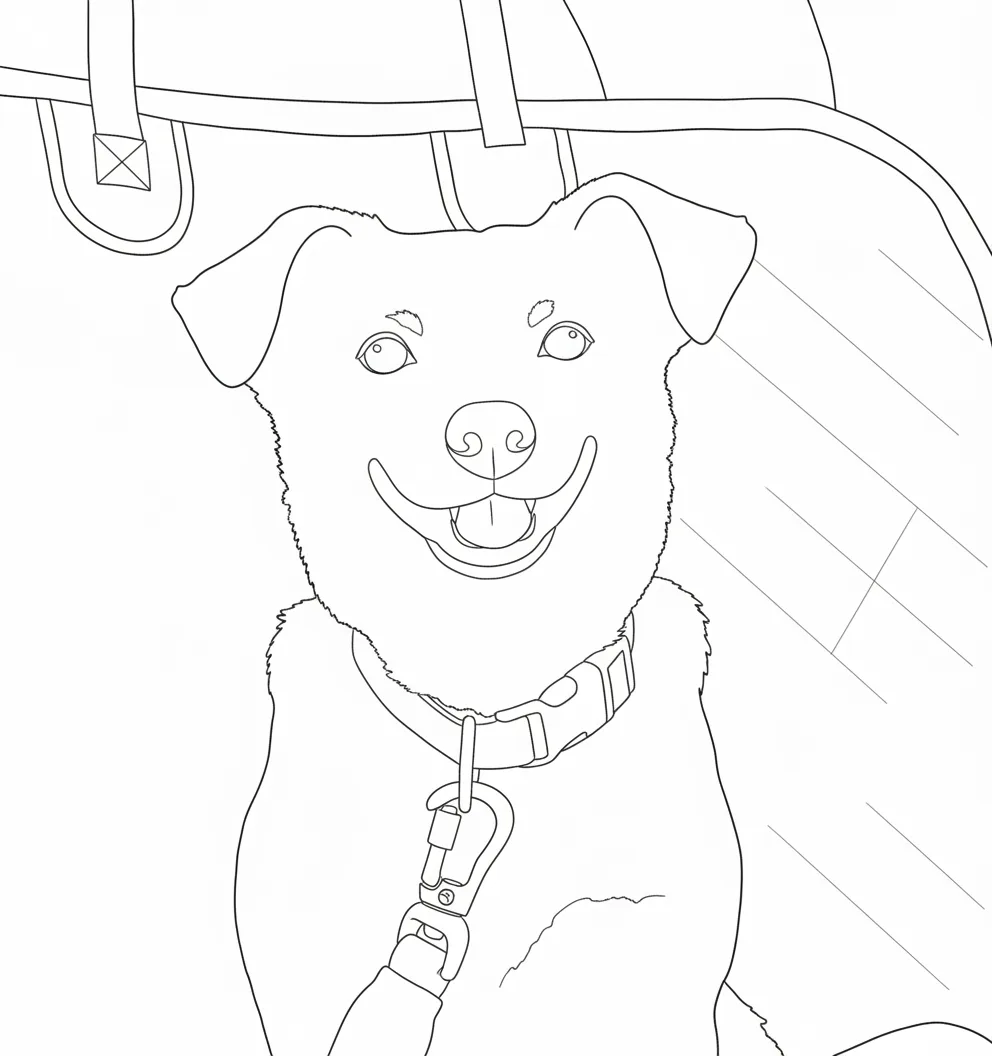
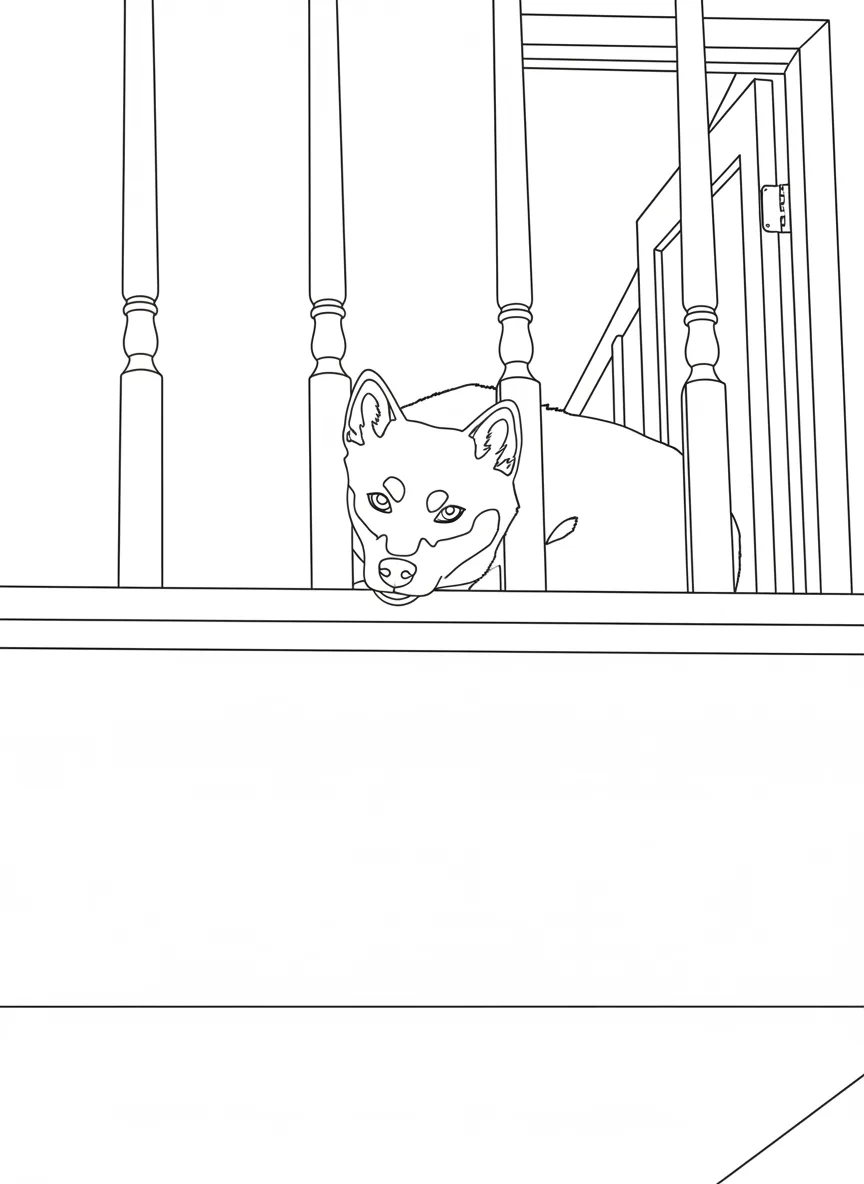
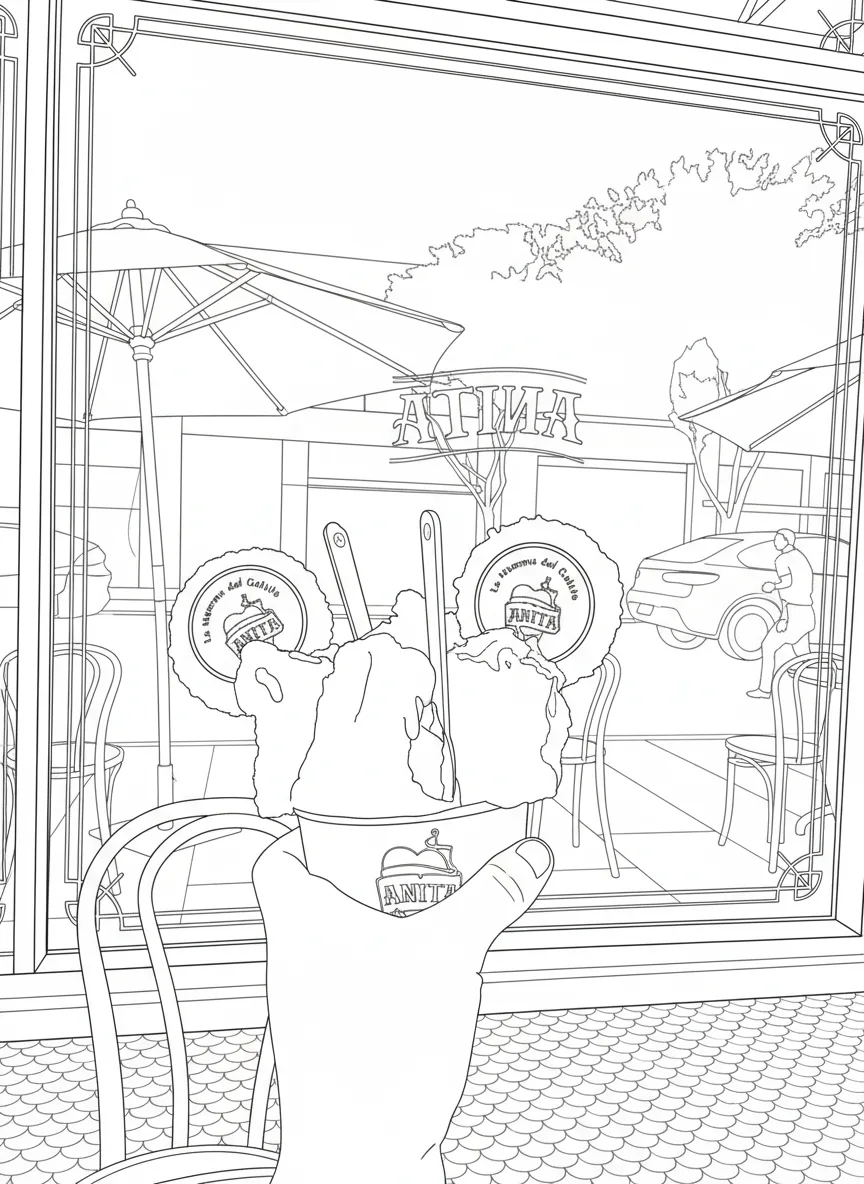
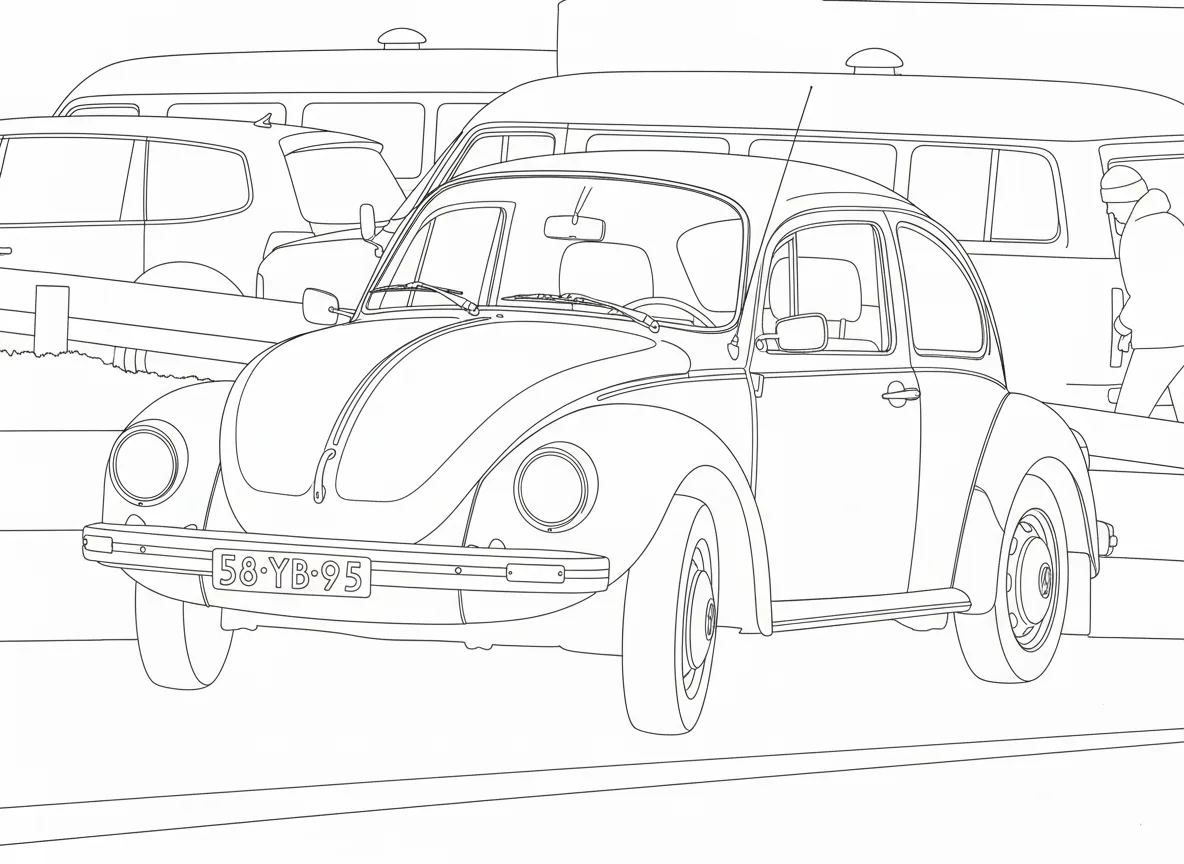
Photo to Coloring Book vs Single Coloring Page
A single coloring page is one photo, one printout. A coloring book collects several photos into one PDF with matching margins, so you can print and bind a whole set at once.
Only need one page? Use the turn photo into coloring page tool.
Frequently Asked Questions
At least 2 and up to 12. Eight photos make a nice, complete book.
US Letter (8.5 × 11 in), the standard size for home printers in the US.
A book needs at least 2 photos. For one photo, make a single coloring page on our photo converter instead.
You can try it free: the first page is generated for free and you can preview thumbnails of the whole book. Making the full book PDF is a paid feature.